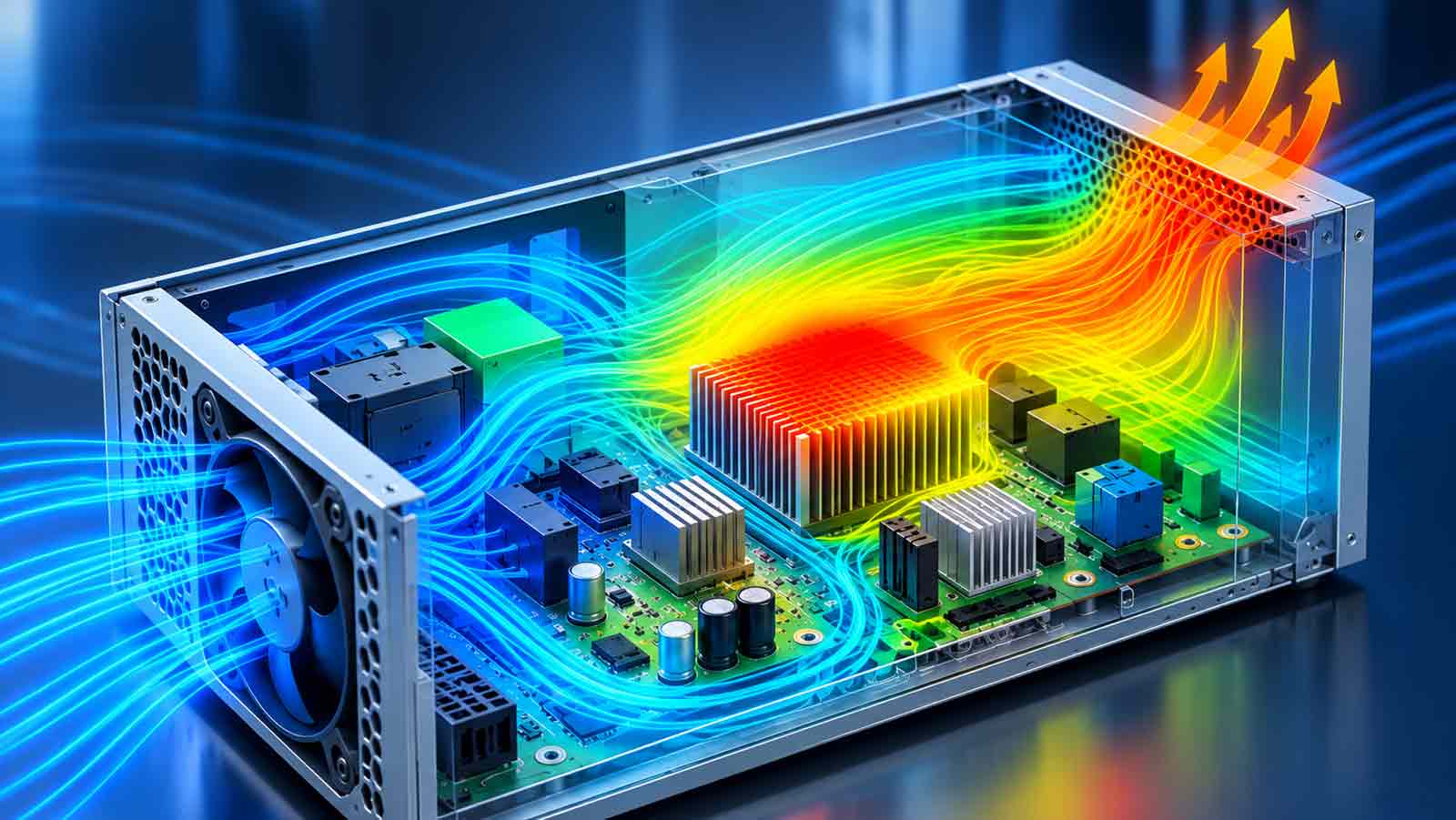
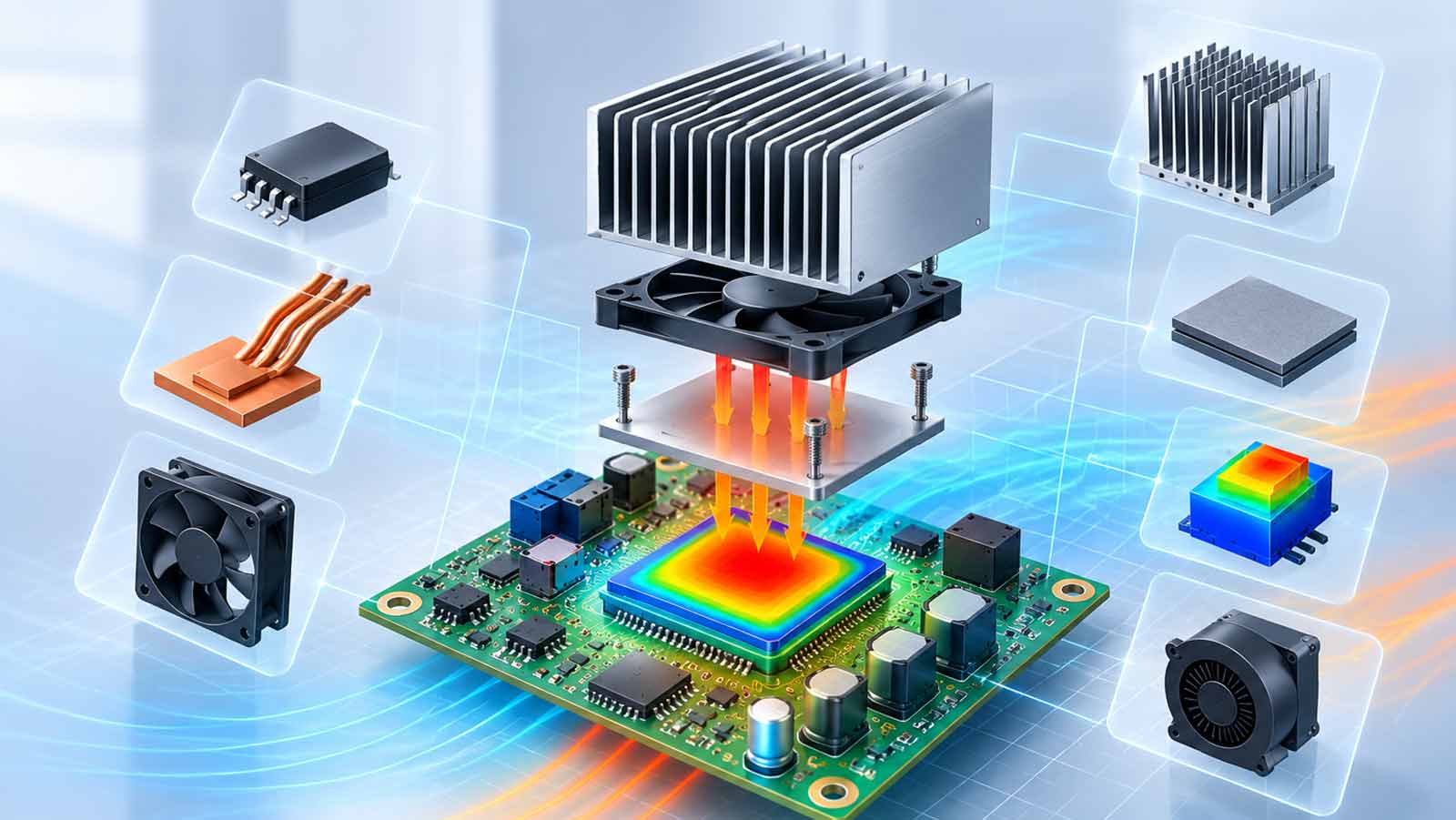
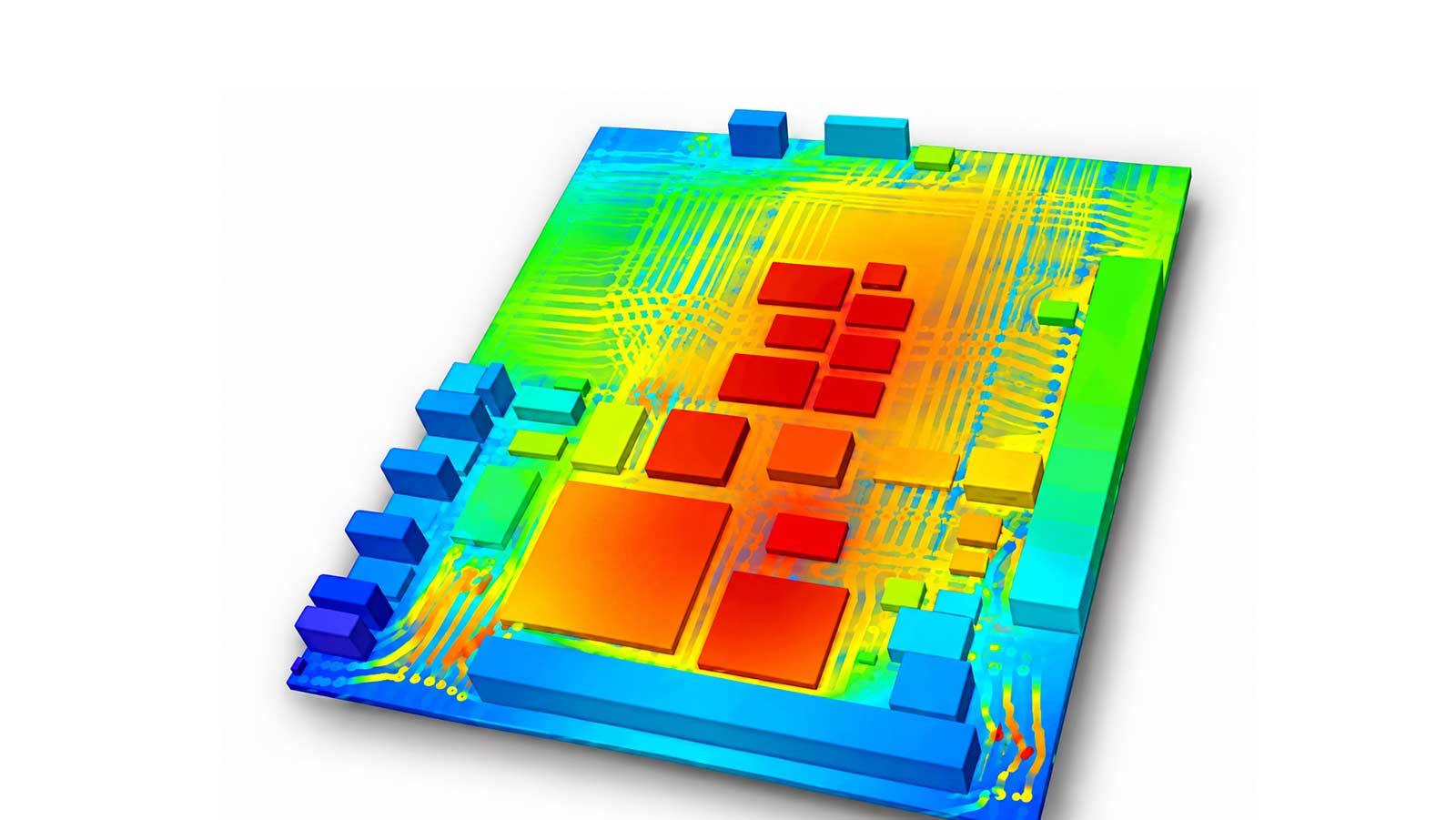
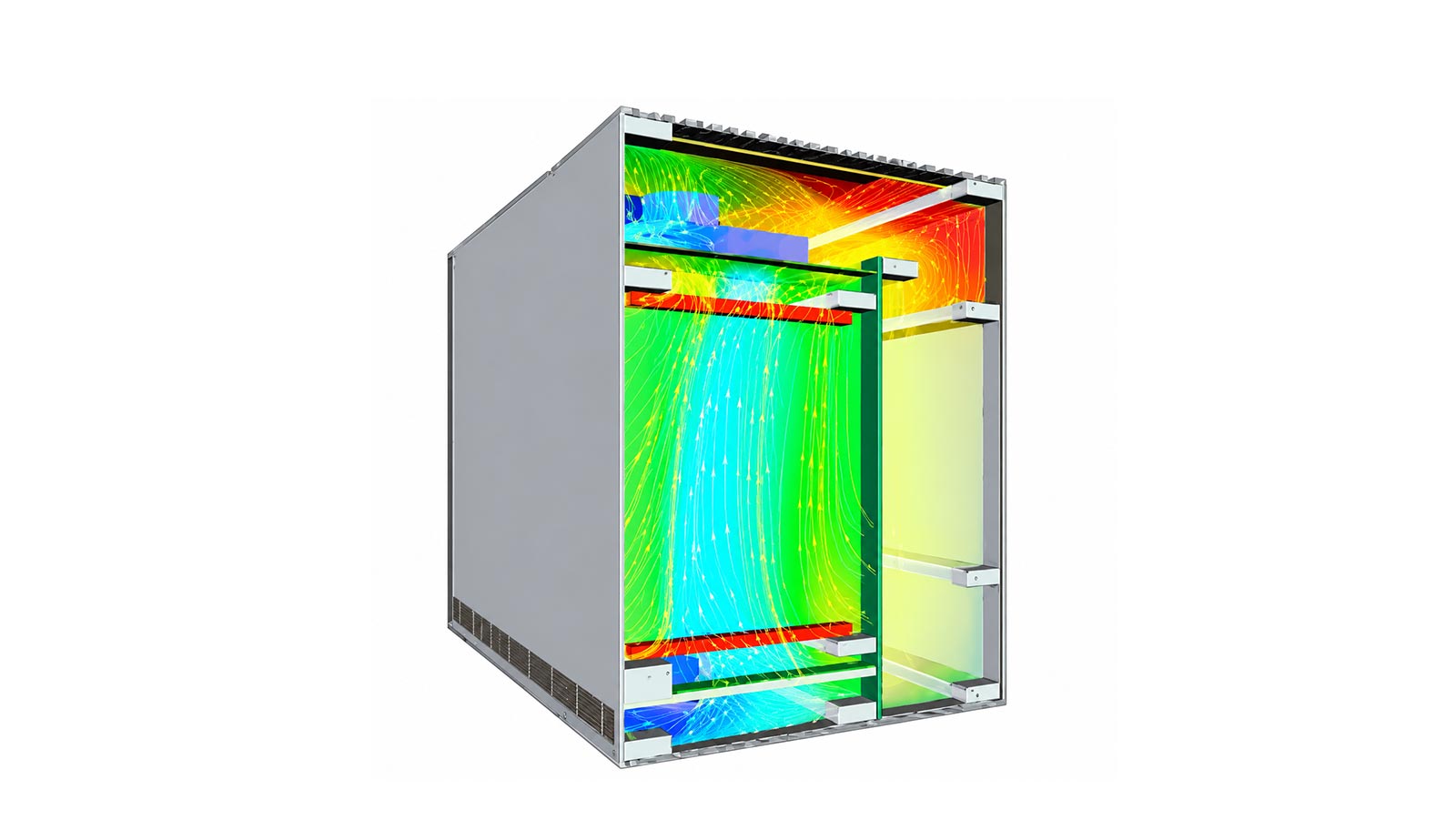
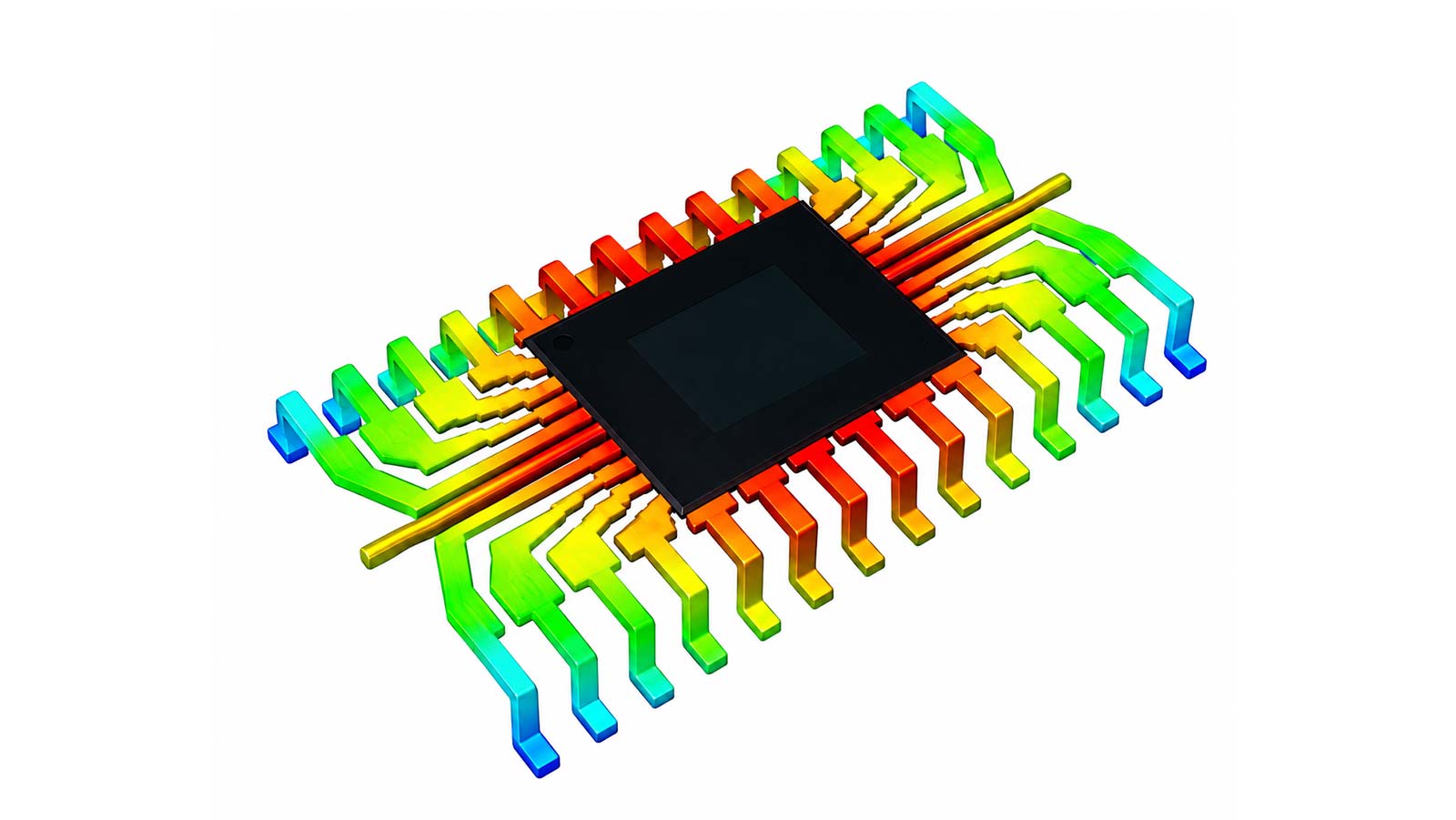
電子散熱分析軟體 FloTHERM 基礎訓練課程
Lecture 1 - Introduction to FloTHERM
- What is CFD?
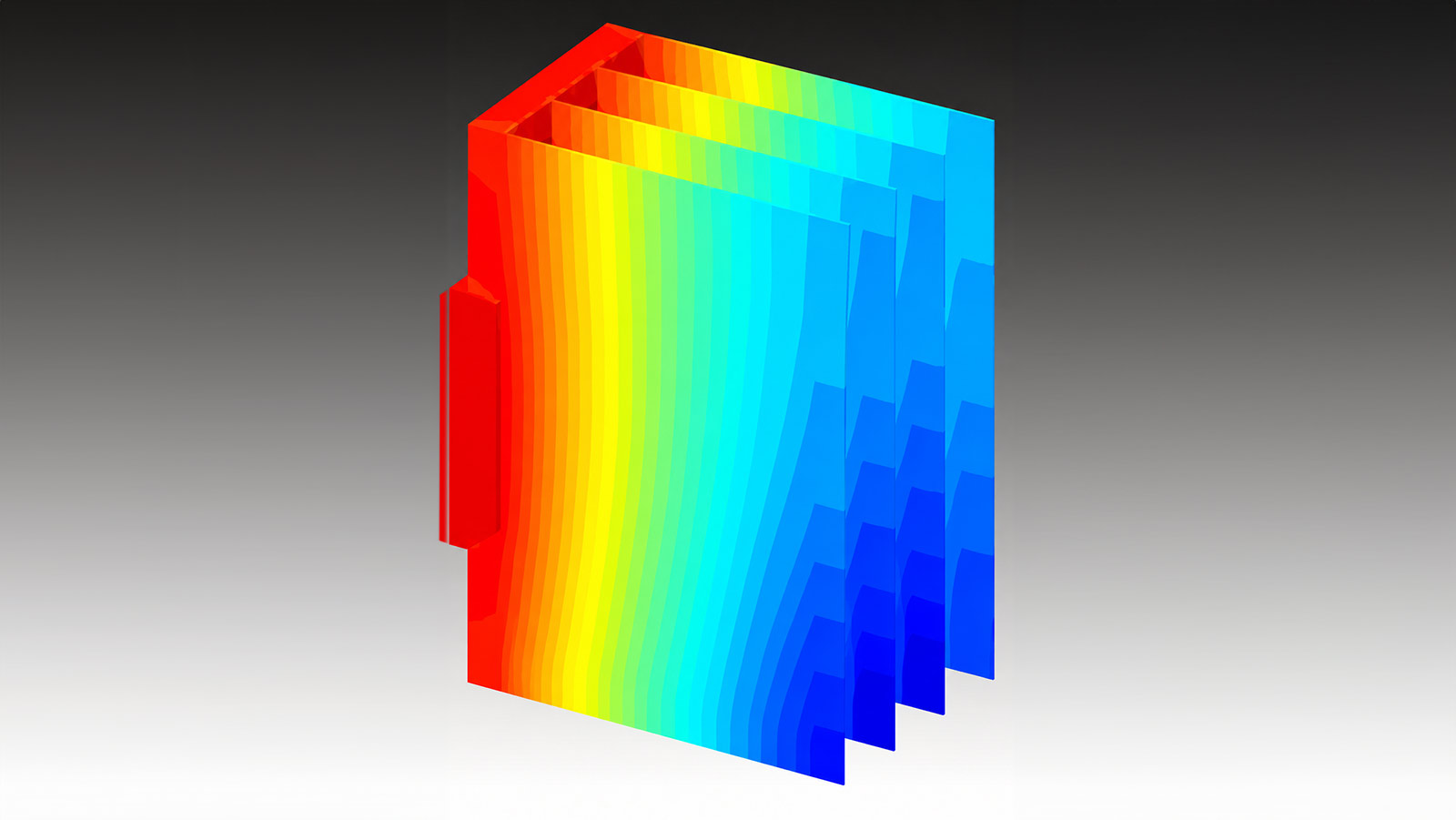
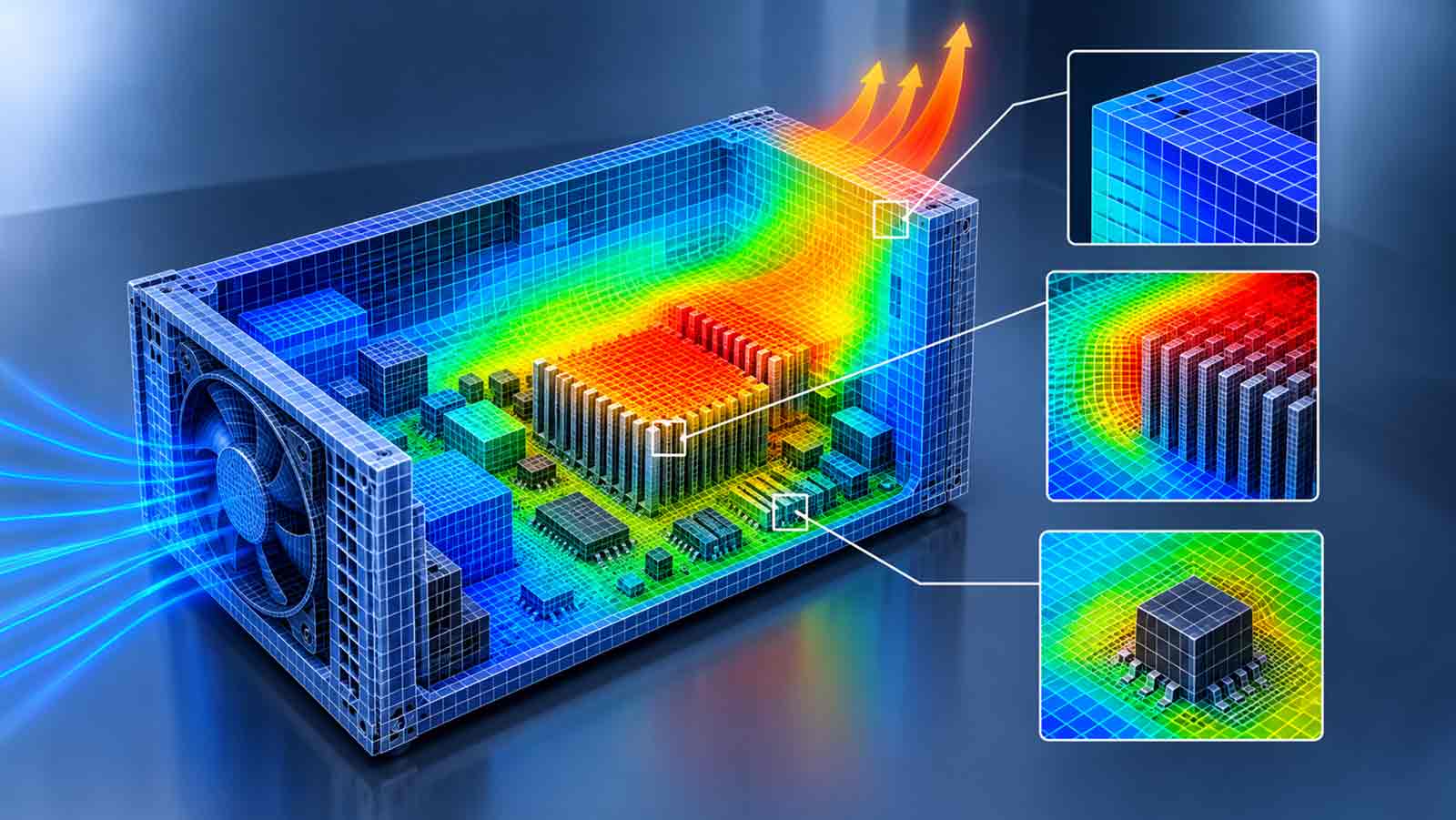
- What does FloTHERM do?
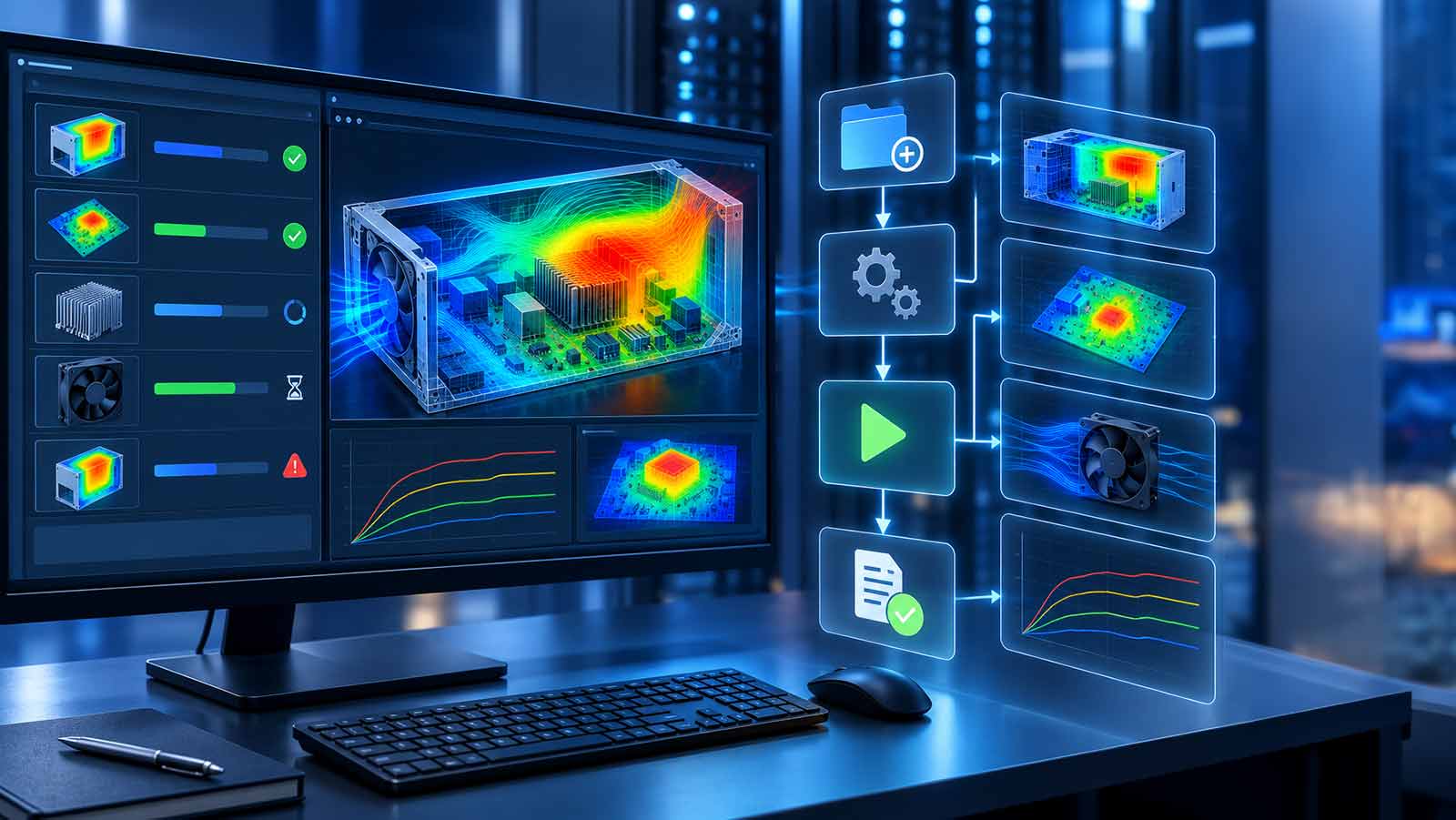
- How does FloTHERM work?
- Creating a FloTHERM model
- Starting FloTHERM
- Application windows
- Creating and editing geometry
- Help
Lecture 2 - Basic Building Block and Introduction to SmartParts
- Some Basic Definitions
- Setting up the Environment
- Organizing the Model
- Keeping track of the Solution
- Save/Load
- Post Processing
Lecture 3 - Using EDA Data
- Introduction to FloEDA.Bridge
- EDA Direct interfaces
- Processing Components
- Library Manager
- Processing the PCB
- Other Capabilities
- Transferring to FloTHERM
- Post Processing Continued
Lecture 4 - Using MCAD Data
- Introduction to FloMCAD.Bridge
- FloMCAD.Bridge user interface
- Supported file formats
- Geometry simplification
- Geometry conversion
- Additional FloMCAD.Bridge Capabilities
Lecture 5 - Radiation and Post Processing
Lecture 7 - More SmartParts and Troubleshooting
- More SmartParts
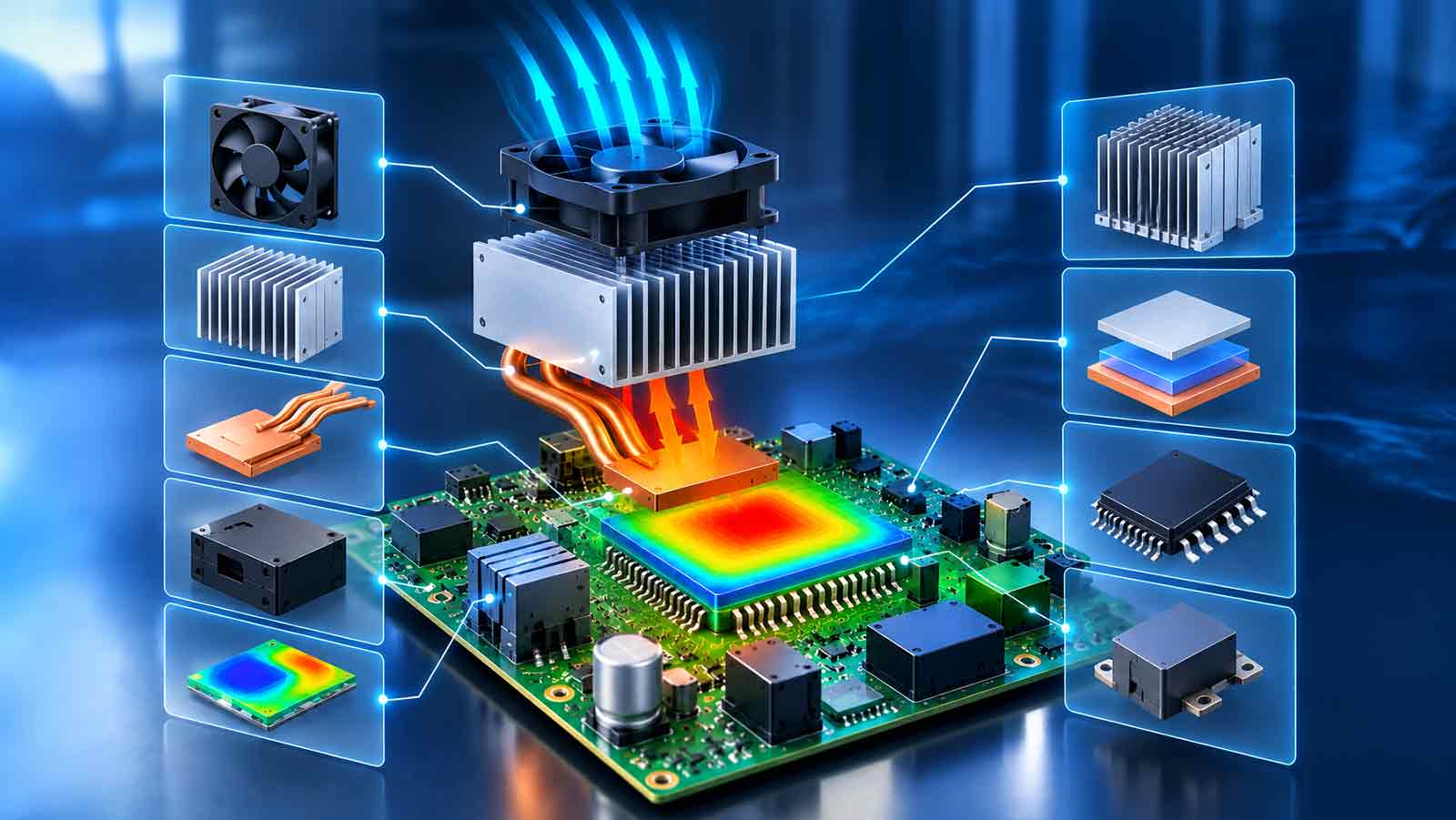
- Heat Sink
- Fan
- Recirculation Device (Blowers)
- Heat Pipe
- TEC
- Die
- Power Map
- Troubleshooting Models
- More Visual Editor functionality
Lecture 8-Command Center
- Basics function:
- Introduction
- Inputs
- Outputs
- Solving
- Advanced functions:
- Design of Experiments (DOE)
- Response Surface Optimization (RSO)
- Sequential Optimization (SO)
Lecture 9-Component Modeling
- PCB SmartPart – Component
- FloTHERM.PACK:
- Detailed component
- 2-Resistor compact component model
- DELPHI resistor compact component model
- Components in FloEDA.Bridge
- T3Ster – FloTHERM Interface
TOP